ECI Voter – SIR Form Status Check
Get Updates in Social Media Platforms


Keeping your voter details updated is crucial—especially when elections are around the corner. The Election Commission of India (ECI) is currently updating electoral rolls, and this is where the SIR Enumeration Form becomes extremely important. If your form is incomplete or not uploaded correctly, your details may not appear accurately on the final voter list.
To avoid missing from the upcoming electoral roll, you must learn how to fill the SIR form, link your EPIC number, and most importantly, check your SIR Form Status on the official portal: voters.eci.gov.in.
⭐ Why Checking SIR Form Status Matters
If your SIR form is incomplete, missing, or not submitted properly, your name might be:
-
Incorrectly displayed on the voter list
-
Missing from the final electoral roll
-
Delayed for approval
The ECI has made the entire process digital to ensure transparency and timely updates—but it’s your responsibility to confirm that your details have been uploaded.
How to Fill and Submit the SIR Enumeration Form
Before filling the SIR form, the first step is linking your EPIC (Voter ID Number) with your mobile number. This linkage is required because all further updates and verification happen through OTP authentication.
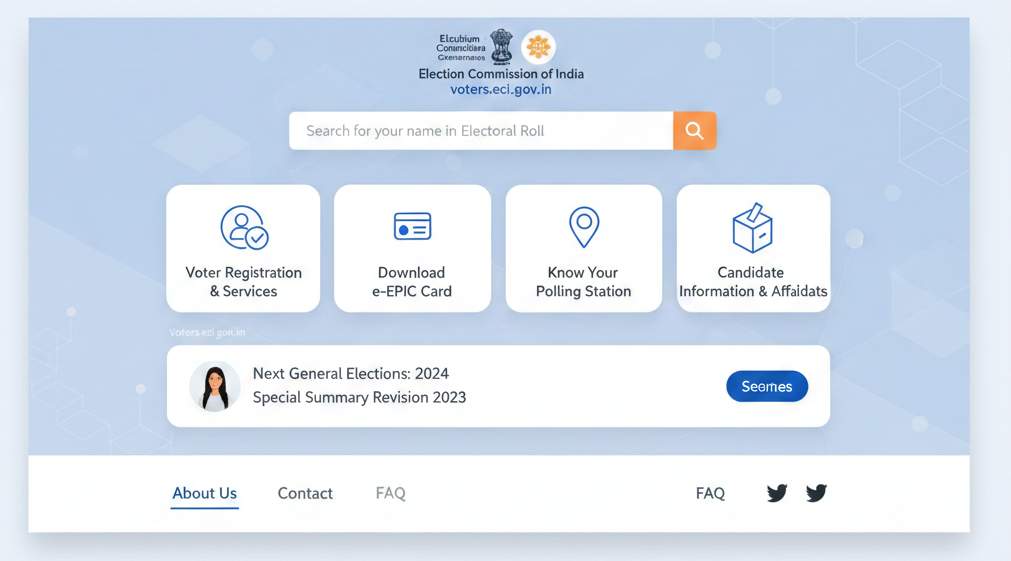
Let’s break the process down step by step:
1. Visit the Official Portal
Go to voters.eci.gov.in.
This is the central dashboard for all voter-related services.
2. Select “Fill Enumeration Form”
On the homepage, go to the Services section and click on Fill Enumeration Form.
This is where you initiate the SIR process.
3. Link Your EPIC Number (Mandatory Step)
Before accessing the main form, the system checks if your EPIC is linked with your mobile number.
If not linked, you must complete Form-8.
✔ How to Link via Form-8:
-
Open Form-8
-
Select Correction of Entries in Existing Electoral Roll
-
Choose Mobile Number as the correction field
-
Submit the form
This ensures your mobile number is officially connected to your voter ID.
4. Log In Again After Linkage
Once the mobile number is updated, log out and log back into the portal.
Your EPIC number is now verified and linked successfully.
5. Fill the Enumeration Form
Now complete the SIR Enumeration Form with:
-
Your personal details
-
Existing voter information
-
Any corrections required
-
Previous SIR related data
✔ Submit Using Aadhaar-Based e-Sign
To authenticate the submission, you must use Aadhaar e-sign.
Important: The name on your Aadhaar must match the name on your EPIC number. Otherwise, the e-sign will fail.
How to Check SIR Form Submission Status
After submission, the next crucial step is to check whether the form (submitted by you OR collected by your BLO) has been uploaded to the ECI system.
Here’s the simplest method to verify:
1. Visit voters.eci.gov.in
Start again from the official ECI portal.
2. Login or Register
-
Click on Fill Enumeration Form
-
Select Sign Up
-
Register using mobile number, email, and captcha
-
Then go to Login, enter your mobile number
-
Verify via OTP and log into the dashboard
3. Enter Your EPIC Number
Once logged in:
-
Go to the SIR form section
-
Enter your EPIC (Voter ID)
-
Click Search
4. Understand Your Status Result
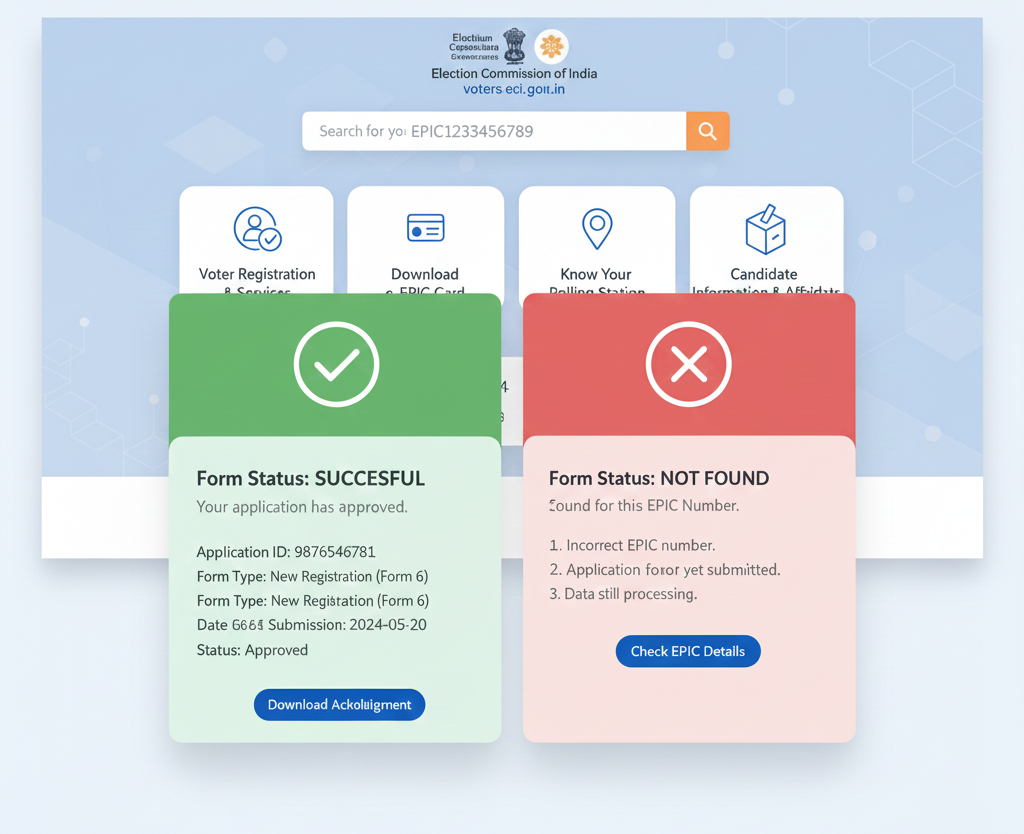
✔ If Successful:
You will see the message:
“Your form has already been submitted with mobile number XXXXX…”
This means your form is uploaded and processing has started.
❌ If Not Uploaded / Blank:
If your form details do not appear, it means:
-
The form was not uploaded
-
BLO submission is still pending
-
Details were incorrectly entered
-
You need to re-submit the form online
In such cases, contact your BLO (Booth Level Officer) immediately.
What to Do If Your SIR Status Is Pending or Incorrect
If your SIR form remains “Pending” for too long or your voter details still show wrong information, you must visit the ECI Grievance Redressal Terminal in your area.
They can help with:
-
Manual verification
-
Correction of voter details
-
Updating or re-uploading SIR form
-
Resolving linking issues
Final Words
The SIR Enumeration process is the backbone of accurate electoral rolls. With elections approaching, this is the right time to:
✔ Check your EPIC-mobile linkage
✔ Submit the SIR form correctly
✔ Verify your SIR Form Status on time
A few minutes of verification today can prevent voter list issues later. Visit voters.eci.gov.in and make sure your voter details are fully updated and recorded in the ECI system.